Altium Designer
Altium Designer Training Course
From Electronic Circuit Design to Professional PCB Development
In today's technology-driven world, designing and developing electronic devices is one of the most important skills in electrical and electronics engineering.
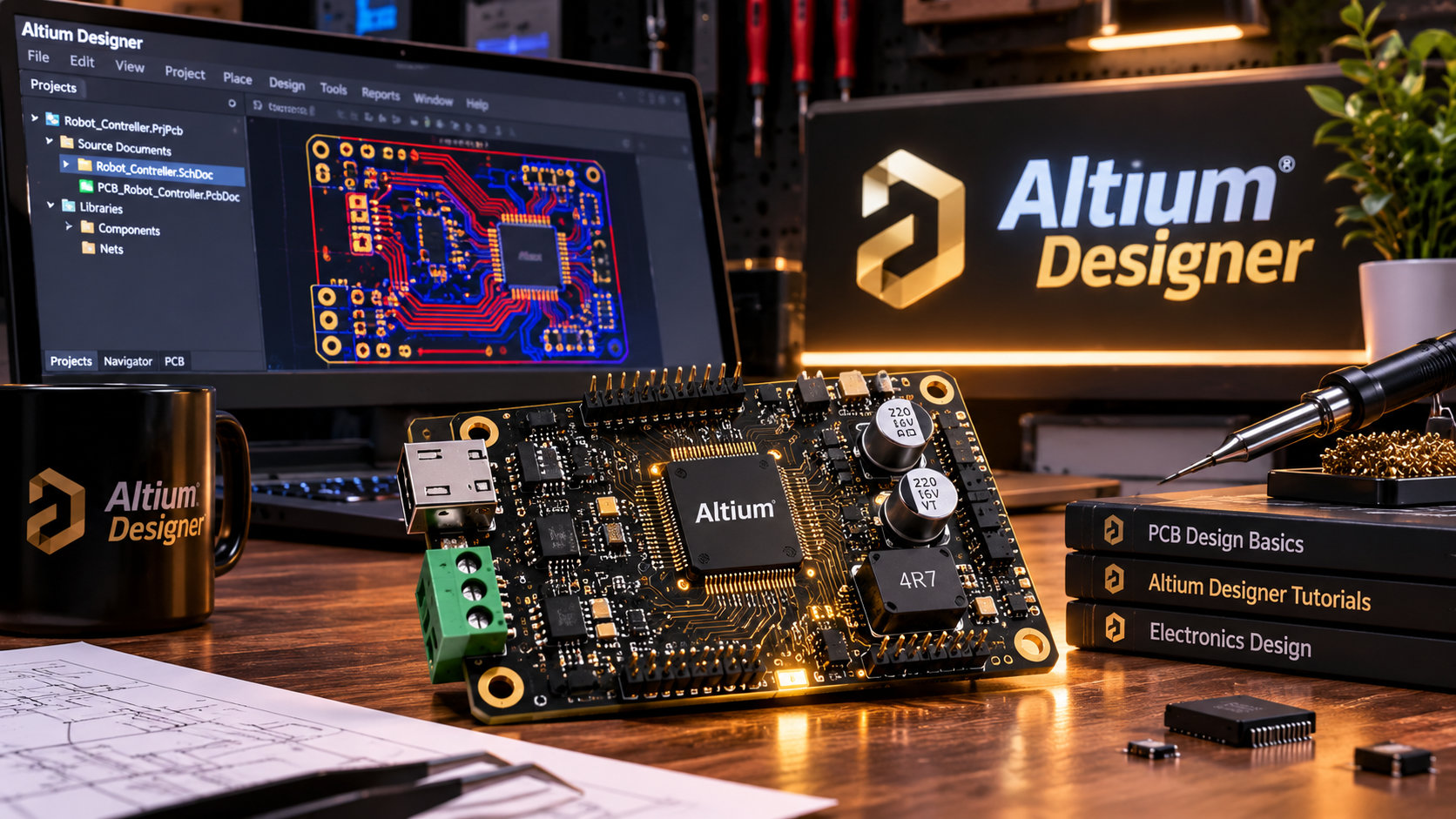
Altium Designer is one of the most powerful and widely used professional software tools for electronic design. It provides engineers and designers with the ability to create circuit schematics, develop printed circuit boards (PCBs), and prepare their designs for manufacturing.
In this course, students become familiar with the software environment and its professional tools through a step-by-step learning process. They learn how to design electronic schematics and transform them into functional PCB layouts.
Starting with fundamental concepts and progressing toward more advanced techniques, students gain practical experience in component placement, PCB routing, design verification, and manufacturing file preparation.
What Will Students Gain?
By the end of this course, students will be able to use the essential tools of Altium Designer to design electronic circuits and transform their ideas into manufacturable printed circuit boards.
These skills provide a strong foundation for further development in hardware engineering, electronic product design, robotics, and advanced electrical engineering projects.
Turn your electronic ideas into real-world designs!
What you will achieve
Familiarity with the Altium Designer software environment and its main tools
Understanding the principles of electronic circuit design (Schematic)
Creating and managing a library of electronic components
Schematic design and establishing connectionsBetween components
Transferring the schematic circuit to the PCB design environment
Proper placement of components on the board
Routing of lines and connections
Familiarity with the different layers of a printed circuit board
Checking and correcting design errors withDRC Tools
Preparing the output files required for PCB fabrication